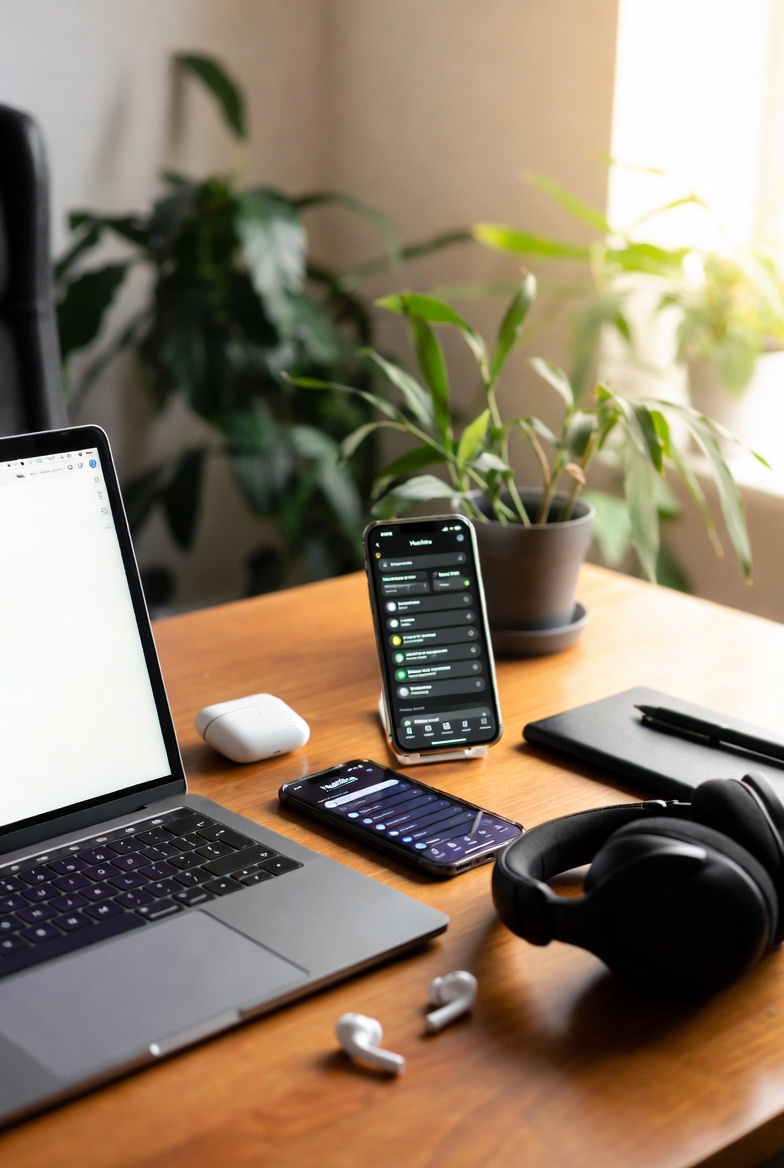
(These Actually Work for My Brain)
I’ve downloaded way too many productivity apps over the years. Most of them promised the world and then became just another thing that made me feel like a failure when I couldn’t keep up with them. This sparked my quest for the best apps for ADHD.
After a lot of trial and error, I’ve finally landed on a small, realistic stack of tools that actually support my ADHD brain instead of fighting it. These aren’t the flashiest or most popular ones – they’re the ones that feel easy and forgiving.
Note: Most of these tools are available on both iOS and Android (with varying levels of features). I’ve noted platform availability and pricing below.
My Current Go-To Tech Stack
1. Tiimo (My #1 Favorite)
Visual daily planner with pictures, colors, and gentle reminders. Perfect for seeing my whole day at a glance without overwhelm.
Available on: iOS, Android, Web
Pricing: Free version available + paid Pro subscription for full features.
2. Apple Reminders + Shortcuts
Simple but incredibly powerful for quick capture and location-based reminders.
Available on: iOS / Mac only
Pricing: Completely free.
3. Notion (Light Use Only)
I keep it very minimal — just a few databases for content ideas, shopping lists, and meal planning.
Available on: iOS, Android, Web, Desktop
Pricing: Free for personal use + paid plans for advanced features.
4. Brain.fm (or Focus@Will)
Science-backed focus music and brown noise.
Available on: iOS, Android, Web
Pricing: Free trial, then subscription (paid).
5. Habitica
Turns habits and tasks into a fun RPG game – surprisingly motivating for my dopamine-seeking brain.
Available on: iOS, Android, Web
Pricing: Free with optional paid subscriptions for extra features.
6. RescueTime
Automatically tracks time and helps block distracting apps/websites.
Available on: iOS, Android, Desktop
Pricing: Free basic version + paid premium features.
What Didn’t Work for Me
- Overly complex project management tools (Trello, Asana, etc.)
- Apps that require perfect daily check-ins or long streaks
- Fancy bullet journal-style apps that felt like too much maintenance
Small Challenge for You This Week
Don’t download five new apps. Pick just one tool from this list and try it for 7 days.
Ask yourself:
- Does this feel easier or harder?
- Does it reduce my mental load or add to it?
The best tool is the one you’ll actually use, not the one that looks best.
Final Thoughts
You don’t need a complicated tech stack to manage ADHD. You just need a few forgiving tools that work with your brain instead of against it.
Start small, experiment slowly, and release anything that adds more stress than support.
-Mere Penny
You May Also Like
- The 8 Best Supplements I Use To Help My Adult ADHD in 2026
- ADHD And Emotional Regulation: Strategies for Adults
- How to Create an ADHD-Friendly Home Office Environment
- The Best ADHD-Friendly To-Do List System I’ve Tried in 2026
- Strategies I Use To Manage My ADHD At Work
Follow Me on Facebook
Join me over on GreaterSelf where I share daily encouragement, quick tips, and behind-the-scenes moments from my ADHD journey.
Visit The Greater Self Storefront on Amazon.ca
As an Amazon Associate, I earn on qualifying purchases at no cost to you.